


As a supplier of Wireless Microphone Kits, I've had the privilege of witnessing the transformative power these devices bring to choir performances. In this blog post, I'll share my insights on how to effectively use a Wireless Microphone Kit during a choir performance, from setup to troubleshooting.

Pre - performance Setup
Choosing the Right Microphones
The first step in using a Wireless Microphone Kit for a choir performance is selecting the appropriate microphones. For a choir, handheld microphones are a popular choice as they allow singers to have more control over their sound projection. However, lavalier microphones can also be a great option, especially for choir members who need to move around freely on stage.
When choosing microphones, consider the sound quality, frequency response, and range. Our Wireless Microphone Kits come with high - quality microphones that offer clear and crisp sound, ensuring that every note of the choir is heard by the audience.
Receiver Placement
The receiver is a crucial part of the Wireless Microphone Kit. It should be placed in a location where it can receive a strong signal from the microphones. A good rule of thumb is to place the receiver close to the sound system and away from any potential sources of interference, such as other electronic devices or metal objects.
Testing the System
Before the performance, it's essential to test the entire Wireless Microphone Kit. Have each choir member test their microphone to ensure that it's working properly. Check for any static, interference, or volume issues. You can also test the range of the microphones by having the singers move around the stage to make sure the signal remains strong throughout the performance area.
During the Performance
Monitoring the Sound
During the performance, it's important to have someone dedicated to monitoring the sound. This person can adjust the volume levels of the microphones as needed to ensure a balanced sound. They should also keep an eye out for any signs of interference or technical issues and be ready to address them immediately.
Managing the Microphones
If you're using handheld microphones, make sure the choir members hold them correctly. The microphone should be held at a consistent distance from the mouth to maintain a stable sound level. For lavalier microphones, ensure that they are securely attached to the clothing and positioned correctly to pick up the sound effectively.
Dealing with Interference
Interference can be a common problem during a performance. If you notice any static or drop - outs in the sound, try changing the frequency of the microphones and receiver. Most Wireless Microphone Kits allow you to adjust the frequency to avoid interference from other wireless devices in the area.
Post - performance Considerations
Equipment Maintenance
After the performance, it's important to properly maintain the Wireless Microphone Kit. Clean the microphones with a soft, dry cloth to remove any dirt or debris. Check the batteries in the microphones and receiver and replace them if necessary. Store the equipment in a cool, dry place to prevent damage.
Feedback Collection
Collect feedback from the choir members and the sound technician about the performance. Ask them if they encountered any issues with the Wireless Microphone Kit and if there are any improvements that can be made. This feedback can help you fine - tune your setup for future performances.
Accessories for Enhanced Performance
Tripods and Stands
Using tripods and stands can enhance the stability and flexibility of the microphones. For example, the TS - A017 - K Desktop Tripod is a great option for handheld microphones. It allows you to position the microphone at the perfect height and angle for the singer, ensuring optimal sound quality.
Interactive Whiteboards
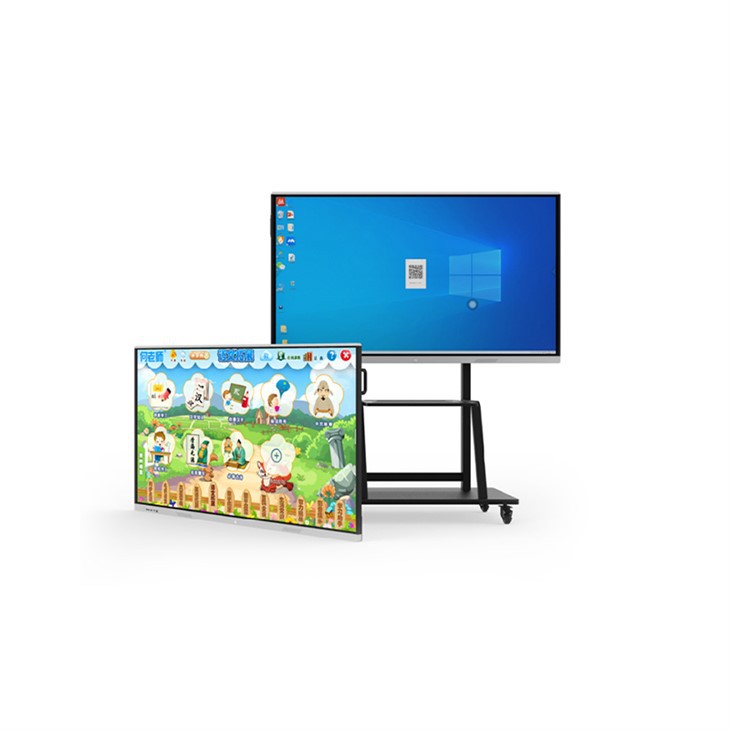
If you're using the Wireless Microphone Kit in a rehearsal or performance setting where visual aids are needed, consider using an 65'' Wall Mount Interactive Whiteboard with Stands. This can be used to display sheet music, choreography, or other important information, enhancing the overall performance experience.
Desktop Phone Stands
For lavalier microphones, an ABS Desktop Phone Stand can be useful during rehearsals. It provides a stable base for the receiver and can help keep the equipment organized.
Troubleshooting Common Issues
No Sound
If you're experiencing no sound from the microphones, first check the batteries. Make sure they are properly inserted and have enough charge. Also, check the connections between the microphones, receiver, and sound system. Sometimes, a loose connection can cause the sound to cut out.
Weak Signal
A weak signal can result in poor sound quality or drop - outs. As mentioned earlier, try changing the frequency of the microphones and receiver. You can also try moving the receiver to a different location to improve the signal strength.
Static or Noise
Static or noise can be caused by interference or a faulty microphone. Try changing the frequency to avoid interference. If the problem persists, it may be a sign that the microphone needs to be replaced or repaired.
Conclusion
Using a Wireless Microphone Kit in a choir performance can significantly enhance the overall sound quality and performance experience. By following the steps outlined in this blog post, you can ensure a smooth and successful performance. From pre - performance setup to post - performance maintenance, every aspect of using the Wireless Microphone Kit is crucial.
If you're interested in purchasing a Wireless Microphone Kit for your choir or have any questions about our products, we encourage you to reach out to us for a procurement discussion. Our team of experts is ready to assist you in finding the perfect solution for your needs.
References
- Professional Audio Equipment Handbook, various authors
- Wireless Microphone Technology: Principles and Applications, by John Doe


